 Oil Studio
Pre-Compositor Privacy Redaction, Keystroke Caps, Camera Cutouts, and Audio Ducking
Visual Polish, Privacy, and Audio Mixing Specifications
| Feature | Capabilities | Privacy & Engineering Guarantees |
|---|---|---|
| Screen Redaction | Pixelate or Blur with 8-way canvas handles and Match Content Duration | Applied to source pixels prior to camera zooms; enforced on preview, export, posters, and agent OCR |
| Show Shortcuts | Glass keycaps rendered in sync with preview and export, merging repeats | Captures only ⌘ / ⌃ / ⌥ combinations and Esc; macOS Secure Input and plain typing are never stored |
| Text, Overlays & B-roll | Title, Glass Card, Lower Third, Callout styles plus Replace Screen (B-roll) | Edit text in place on the canvas with live glass materials; anchored to source time across cuts |
| Skin Smoothing & Camera Background | Built-in backdrops, custom images, background blur, or frameless person cutout | Temporally stabilized matte prevents background chair and furniture flicker |
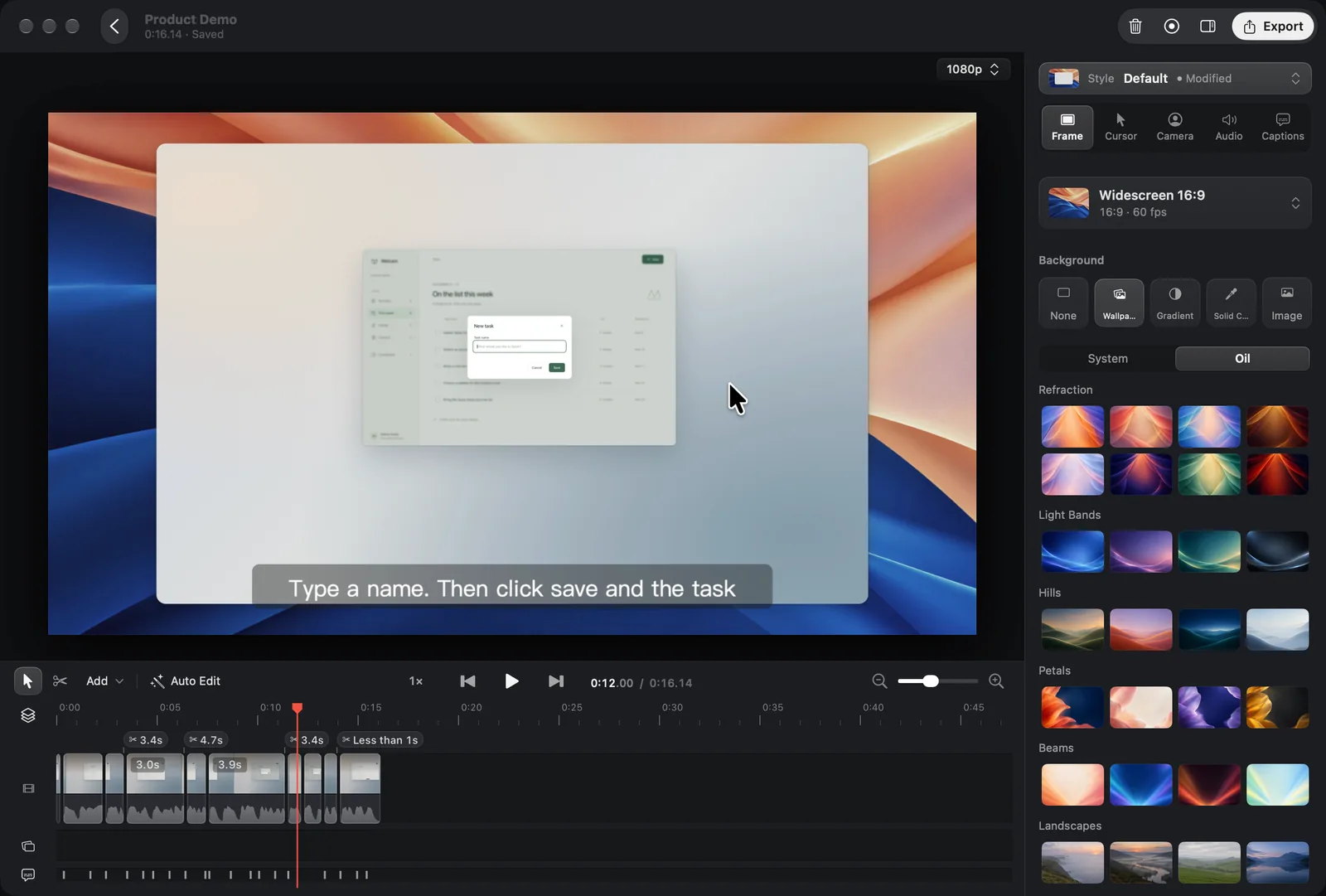
| Media Panel & Audio Track | Multi-lane music, narration, and built-in sound effects + per-clip system mute | Lower While Speaking ducks music automatically; Voice Enhancement levels quiet phrases |
Why does source-space redaction prevent accidental leaks during zooms?
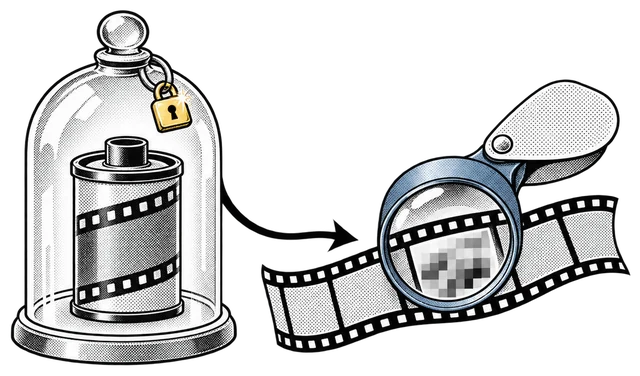
Floating a blur sticker on top of an output canvas breaks as soon as an automatic zoom pans the screen. Oil Studio redacts source pixels at the start of the Metal compositor pipeline before cropping and camera transforms run, so redactions stay locked to the underlying UI—and span cleanly across timeline cuts as a single bar.
How does Show Shortcuts keep passwords and plain text out of recordings?
Keystroke filtering happens during capture before anything touches disk: only modifier shortcuts (⌘, ⌃, ⌥) and standalone Esc are recorded, and any keystroke entered while macOS Secure Input is active (such as password fields or sudo prompts) is ignored completely.
How do multi-lane audio ducking and Voice Enhancement work together?
Drop background music or built-in sound effects from the Media panel onto the dedicated Audio track and enable Lower While Speaking—music dips smoothly whenever you speak and recovers during visual beats, without manual keyframes. Voice Enhancement removes room noise and dynamically lifts quiet sentences so volume stays consistent end to end.
Operational Safeguards
- Match Content Duration never shortens a redaction.Automatic duration matching only extends a redaction forward while the target screen region remains visible, preventing accidental exposure.
- Clean B-roll replacement.While Replace Screen displays a static diagram or screenshot, synthetic cursors and click ripples hide automatically.
Related specs & release history
Explore camera polish demos, local-vs-cloud privacy tradeoffs, and public release notes:
- Spring auto-zoom, cursor smoothing & wallpaper studiostudio.oiloil.org
Interactive cursor spring simulator, 180° shutter motion blur, and 56 original wallpapers.
- Local MP4 production vs. cloud link recordersstudio.oiloil.org
Compare pre-compositor local redaction and self-hosted MP4 output against cloud-uploaded clips.
- Oil Studio public changelogstudio.oiloil.org
Release-by-release history for screen redaction, Show Shortcuts, camera backgrounds, and audio ducking.
Public specification for pre-redacted agent storyboards, OCR frames, and approval rules.
Common questions
01Do display resolution changes mid-recording break cursor or zoom alignment?
No. Display geometry changes are logged with timestamps during capture so cursors, click rings, and auto-zoom targets remain aligned.
02Can I mute noisy system audio on just one clip without losing the rest?
Yes. Select any video clip to toggle its system audio individually or apply the setting across all clips; Remove Pauses automatically ignores muted system sound.